
The bol.com Brand Page Creator: your brand story told effectively
Find out how the bol.com Brand Page Creator helps you build a unique brand experience and present your products at their best.
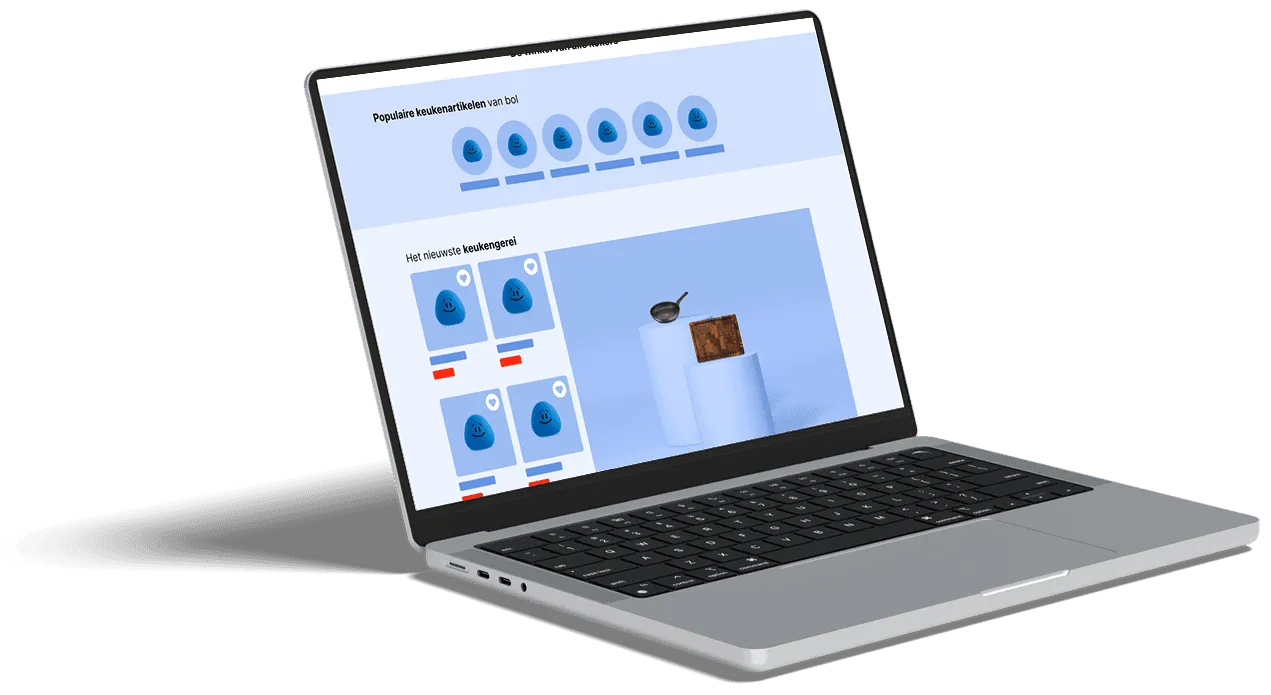
The bol.com Brand Page Creator is a user-friendly self-service tool that lets you create and manage brand pages with ease. These pages give you your own platform to share your brand story, show your products and increase customer loyalty, which contributes directly to more visibility and conversion on bol.com. The tool will be available to all sellers in the coming weeks and offers various templates and guidelines for a successful implementation.
In this article you will discover:
- What is the Brand Page Creator?
- Why a Brand Page matters for your brand
- Choose the right template for your brand goal
- Creating a Brand Page: what do you need?
- Moderation and guidelines for your Brand Page
- Review and approval of your Brand Page
What is the Brand Page Creator?
The Brand Page Creator is an intuitive self-service tool from bol.com, designed to help sellers set up and manage their own brand pages. These pages work as a dedicated online space on bol.com where you can emphasise your brand’s identity, highlight your range and build a deeper bond with customers. It is a direct way to share your brand story and generate traffic via Branded Shelves, which leads to increased visibility within the customer journey on bol.com. As soon as you have access via your seller account, we guide you step by step through designing and setting up your page.

Why a Brand Page matters for your brand
Your own Brand Page on bol.com offers several benefits that go beyond direct sales. Although conversion is an important goal, Brand Pages also contribute to:
- Product launches and promotion: Ideal for launching new items or promoting specific product lines, so they get attention straight away.
- Targeted customer approach: Reaching specific, new customer segments that are interested in your brand.
- Brand experience and inspiration: Inspiring customers with your unique brand story and your company’s values, which increases brand loyalty and recognisability.
These pages increase your visibility considerably, make your brand stand out from competitors and encourage customers to choose your products. Because the Brand Page Creator is a self-service tool, you decide on the content and design yourself, which gives you full control over your online presentation. Should you want strategic advice or practical help from a specialist, you can of course also get in touch with us.
Choose the right template for your brand goal
bol.com offers three templates, each aimed at a different brand goal. By looking at these templates in advance, you can make the best choice to match your strategy for the design of your page:
Template for product visibility
This template is perfect when you want to increase the visibility of specific items. The product carousel and a featured product sit prominently at the top of the page, so they immediately catch the attention of potential buyers.
Template for brand visibility
Brands that want to increase their brand recognition preferably choose this option. The emphasis is on telling your brand story and integrating a brand video, which helps build a deeper connection with the consumer.
The basic template
For brands with limited content, the basic template is the ideal solution. It is quick and easy to set up and contains the key elements: a banner, your logo, a product carousel, categories and your brand story. Efficient and effective for a quick start.
Creating a Brand Page: what do you need?
Before you start designing your Brand Page, it is wise to prepare. Below you will find an overview of the steps and the materials you need, so you can set everything up correctly in one go.
Required materials and specifications
- Banner: Upload a banner image without a logo (2880 x 1152 px, aspect ratio 5:2, max. 3 MB).
- Logo: Your logo as a PNG with a transparent or white background (minimum height: 256 px).
- Brand story: An image that tells more about your brand (1200 x 1200 px).
- Categories: Choose 2 to 6 product categories (minimum width: 344 px).
- Video: Strengthen the brand experience with a video (1920 x 1080 px, max. 200 MB).
- Product carousel: Select the items you want to highlight.
- Product catalogue: Show a curated selection of items (1200 x 1600 px and 4 items).
- Featured item: Put your most important item in the spotlight (1200 x 1200 px).
Finding it hard to create and optimise all these materials yourself to the right specifications? Our team of specialists is happy to help you develop professional content that fits your brand perfectly and apply the tips for product images.
Moderation and guidelines for your Brand Page
After you submit it, your brand page is reviewed for compliance with the bol.com guidelines. If your page is rejected, you will receive an email explaining why. Adjust the page and submit it again.
Common reasons for rejection
The most common reasons for rejection are:
- Incomplete materials: Key elements are missing or have not been supplied correctly.
- Quality standards: The content does not meet the quality standards set, such as image resolution or textual clarity.
- Policy guidelines: The content does not comply with bol.com policy, including assortment policy or product information.
Important content guidelines
Campaigns and creative content must meet specific guidelines and may not contain content that:
- Discriminates (for example on the basis of gender, race, religion, sexuality, political preference, health).
- Is misleading, exploitative or harmful.
- Is aimed at vulnerable groups or children under 18.
Content that is not allowed
The following points are strictly prohibited and can lead to delay or rejection of your page:
- Pages for 18+ items (such as erotic products).
- CAPITAL LETTERS in editable fields.
- References to other brands.
- Discount percentages (%) or prices (€).
- Sustainability claims (only allowed with the Goede-Keuze label) or quality claims (for example: \”the best quality\”).
- English-language text (except for a brand name or well-known slogan).
- Punctuation marks such as: ?, !, ., :, |, -.
- References to websites outside bol.com.
- Delivery times.
- Promotions and holidays.
- Sales slogans not based on independent research (such as \”the best\” or \”the cheapest\”).
- Copyrighted content.
Review and approval of your Brand Page
After you submit your brand page, bol.com reviews it internally to check whether it meets all platform guidelines. This process usually takes 5 to 10 working days. You will receive an email as soon as the page is approved, or if changes are needed.
Once your brand page has been approved by bol.com, you can make changes yourself via the Brand Page Creator. Simply click \”Edit\” next to your brand name to make adjustments. Bear in mind that larger changes may require approval again, which can once more take 5 to 10 working days. Changing only the EANs of products, however, is applied automatically. Moderation time may be slightly longer in the tool’s early phase, up to a maximum of 10 working days, but is expected to decrease gradually.
Setting up and managing a Brand Page is a powerful way to present your brand uniquely and deepen the interaction with your target audience. By choosing the right template and following the guidelines carefully, you create a page that contributes to the growth of your online success. Want to brainstorm about the best approach for your brand, or would you rather outsource creating the content? Feel free to get in touch with the specialists at BrandMonks; we are happy to help.

Melle Sikma
Helmsman
melle@brandmonks.nl