
From product data to repeatable bol content
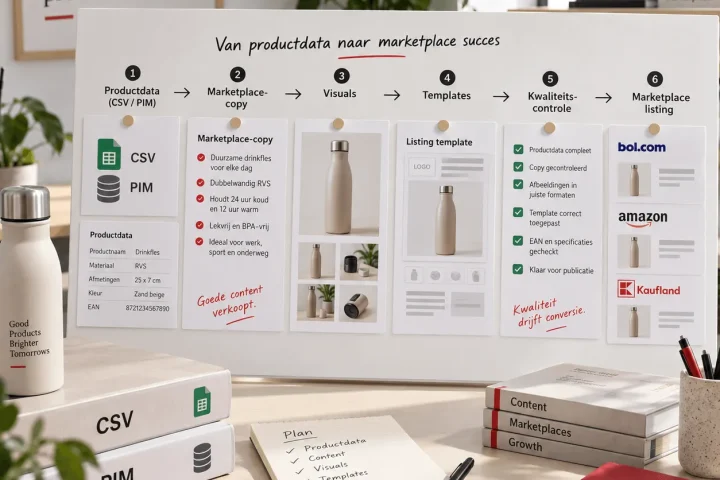
Automating bol product content does not mean letting a tool do all the thinking. It means setting up your product data, images, copy and checks so that new and existing product pages reach the same quality bar faster.
For e-commerce business owners this becomes interesting mainly once the range grows. You can still update a few product pages by hand. But with variants, product lines and recurring updates, delays build up quickly: titles differ per product, images have no fixed order, specifications are filled in inconsistently and copy is rewritten every time.
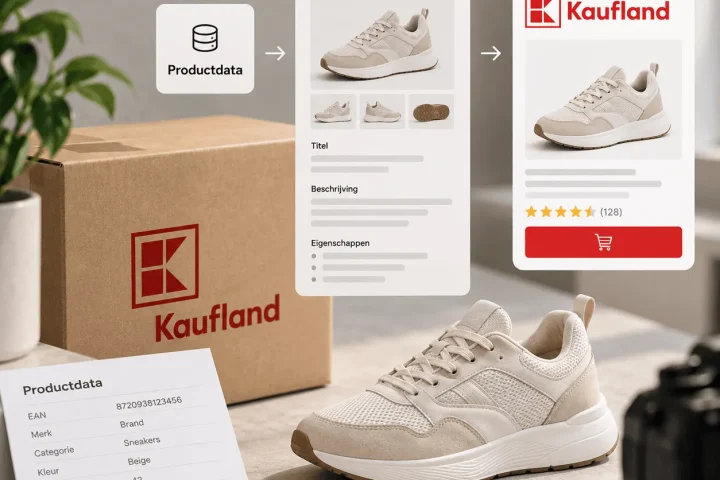
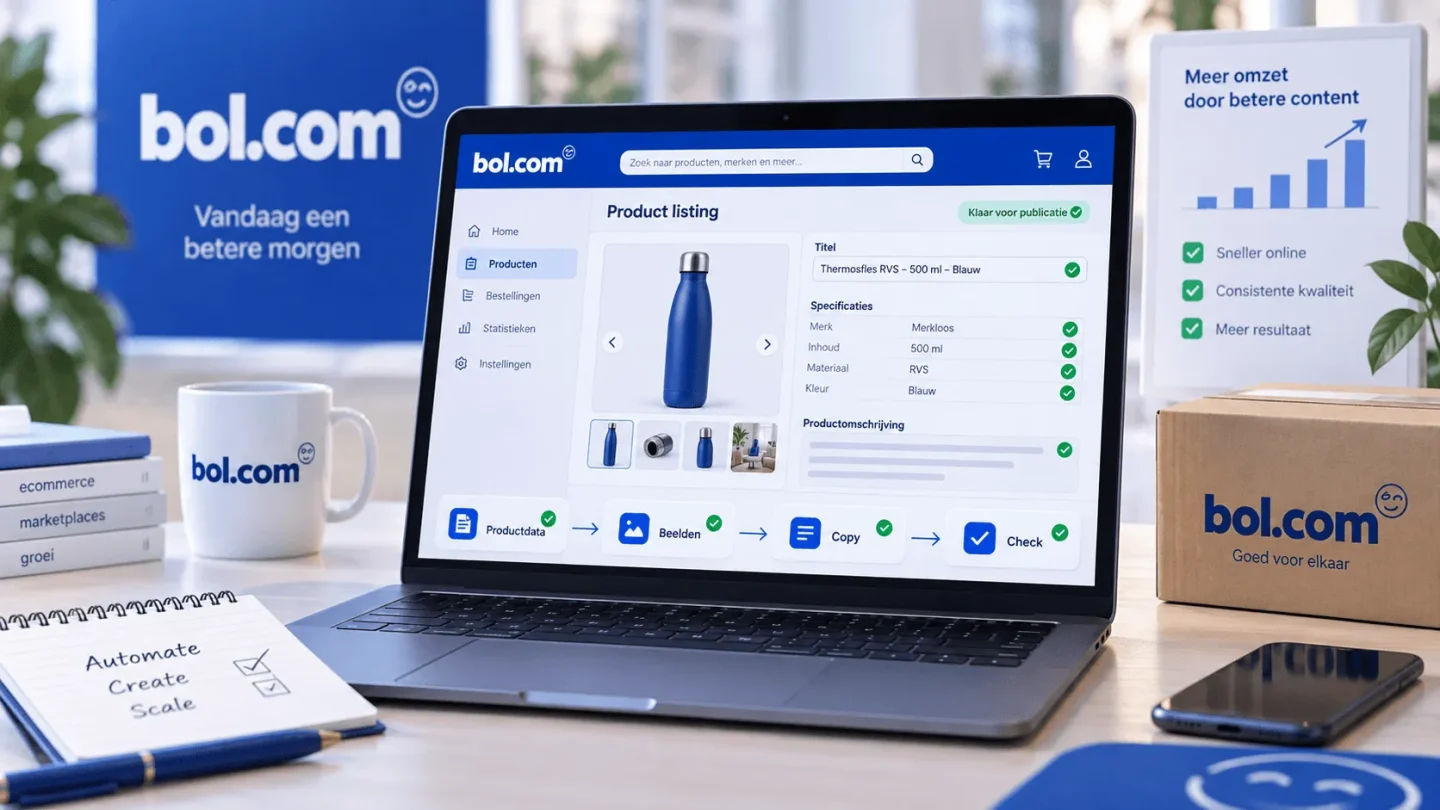
That is why at BrandMonks we look at bol content automation as part of a broader marketplace content workflow. The question is not only: how do we send product information to bol? The better question is: how do we turn product data into sales-ready content that is right for bol, visually consistent and needs less manual repair work?
If you would first like to see the broader framework for bol, Amazon and Kaufland together, read our guide on product content for marketplaces. This page zooms in specifically on automating product content for bol.
Automating bol is broader than automating content
When business owners search for bol automation, they often end up with stock, orders, prices, advertising, API connections and integrators. That makes sense, because many bol processes are operational. Stock has to be right, orders have to be processed and prices have to stay up to date.
Automating product content is a different question. It is not primarily about stock or order processing, but about translating product information into clear product pages. Think of title structure, product description, specifications, images, variant logic and quality control.
That distinction matters. A technical connection can synchronise product data, but it does not automatically make your content convincing. If the source data is messy, messy fields are spread faster. If no image roles have been defined, you do get images live, but not a consistent buying journey. If titles have no fixed structure, bulk editing mostly becomes bulk correcting.
That is why bol content automation should start before the publishing step. First you decide which content rules apply. Only then do you look at which parts you can speed up or automate.
Why bol content needs a clear workflow
Bol is a comparison environment. Customers scan quickly, compare alternatives and expect product information to be clear straight away. So a product page should not only be filled in technically, but also be understandable, complete and convincing.
On top of that, bol works with fields, product information, specifications, images and content guidelines. In many categories, specifications partly determine how findable and comparable products are. Images and descriptions then help take away doubt and increase conversion.
For larger ranges the risk is that every product becomes a mini-project of its own. For each product someone has to work out which title is right, which specifications are missing, which images are needed and how the text should be structured. That not only costs time, it also makes the output less consistent.
A good content workflow brings calm to that. You define in advance which information is mandatory, which image roles each product type needs, how variants are named and when content may pass the check. That makes bol content less dependent on individual interpretation and more part of a scalable system.
What you should and should not automate
Not every part of bol content is equally suited to automation. The best candidates are recurring tasks with clear rules. Think of filling in fields, flagging missing specifications, drafting titles, preparing image briefs or rolling out the same update across a product line.
Less suited to full automation are choices that lean heavily on nuance. Which claim deserves the most emphasis? Which visual removes the biggest doubt? Which order works for this specific product type? Human judgement is still needed there, especially when brand look and conversion matter.
| Element | Easy to automate | Check deliberately |
|---|---|---|
| Product data | Filling in fields, flagging missing values and mapping variants | Whether the information is commercially clear enough |
| Titles | Drafting first titles from a fixed structure | Priority, readability and channel fit |
| Specifications | Checking mandatory and relevant attributes | Whether attributes also come back clearly in image and text |
| Images | Planning image roles and preparing variants in bulk | Brand fit, order, clarity and credibility |
| Descriptions | Generating first text versions and fixed blocks | Nuance in claims, tone of voice and expectations |
| Quality control | Checks on missing elements and fixed rules | Final judgement on persuasion and product understanding |
Start with product data and category attributes
Automating bol product content only works if your product data is reliable enough. That is where the whole flow begins. Without clear source data every next step becomes fragile: titles become inconsistent, specifications lack context and images do not match what the customer wants to know.
So work with a fixed data structure per product type. Which fields are always needed? Which category attributes determine findability or comparability? Which properties also need to be visible in text or image? And which variant attributes must be named consistently?
For many teams this is the point where content and data meet. A dimension is not just a number in a field. If confusion about size often leads to returns, that dimension should also come back in a visual. A type of material is not just a specification. If the material is a selling point, it also belongs in the title, description or infographic.
Automation only becomes strong once those relationships have been defined in advance. Then product data can become the basis for draft copy, image briefs, template choices and checklists. Without those relationships, data mostly stays administration.
Templates for titles, images and copy
A template is not a restriction. A good template helps your team make better choices faster. For bol content this means creating fixed structures for titles, product descriptions, image order and variant presentation.
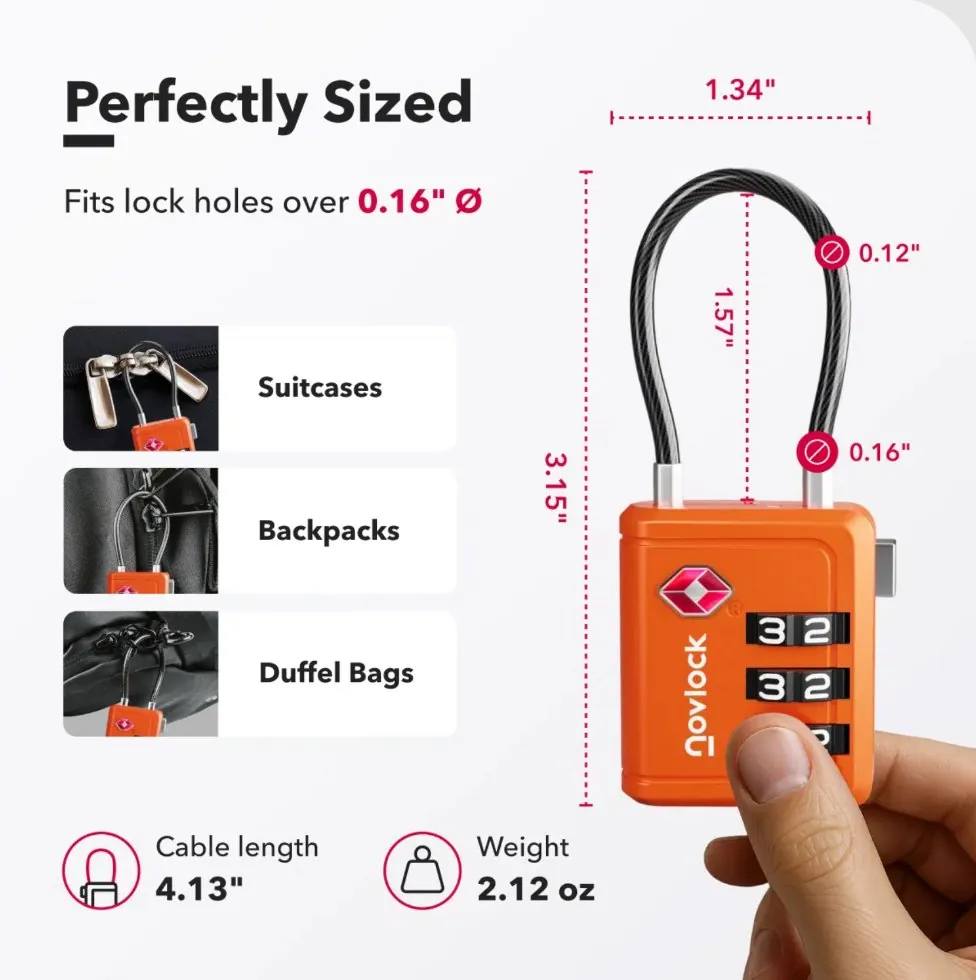
A title template helps place the product type, main property and variant information in the same order. A copy template helps build up benefits, specifications, use and limitations logically. A visual template helps plan the main image, detail image, in-use image, size image and USP image consistently.
At BrandMonks we often link this to listing design templates and Figma components. That way you do not just create a good-looking product page, but a repeatable way of working. Designers, copywriters and e-commerce managers then work from the same blocks and roles.
This is especially valuable for product lines. If every product in a line follows the same image logic, a customer can compare faster. If every variant uses the same copy structure, the range feels calmer. And if changes run through components or fixed blocks, maintenance becomes far less manual.
Updating product lines in bulk without noise
Bulk editing sounds attractive, but it is only safe when the underlying rules are right. Otherwise you mostly scale up mistakes. A change in a product specification, claim or packaging can affect dozens of product pages. Then you do not want to search item by item for where that information sits.
A scalable bol workflow therefore records which content blocks are fed by which data. If a dimension changes, you know which specification, line of text and visual may be affected. If a variant name changes, you know which title, image and comparison table need updating.
For product lines this works best with one central product truth and channel-specific output. The product truth stays the same: what is the product, what are its properties, which claims are proven? The bol output translates that into the fields, images and text structure that work logically on bol.
That way automation does not feel like a one-off trick. It becomes part of making product content scalable: less duplicate work, less inconsistency and faster publishing on the same brand foundation.
Quality control before content goes to bol
Good automation does not end at export or upload. Quality control determines whether your workflow is truly reliable. Especially with automated or semi-automated content you want fixed checks before anything goes live.
Do not only check whether fields are filled in. Also check whether the product page sells logically. Does the customer understand in the first few seconds what the product is? Are the main differences between variants clear? Do images and text match each other? Are claims never overstated anywhere? Are specifications complete enough to prevent the wrong expectations?
A practical quality check for bol content has three layers. First the technical layer: fields, specifications, category and image requirements. Then the content layer: title, description, USPs, image order and variant names. Finally the brand layer: style, tone of voice, visual consistency and promise.
That last layer is often forgotten, while for BrandMonks it is precisely the important one. Speed is only valuable when the output still feels like the brand. Otherwise you gain time at the back end and lose recognition at the front end.
How BrandMonks approaches bol content automation
BrandMonks does not build a bol connection for stock management, orders or repricing. Our role lies in the visible content output: visuals, content structure, copy, templates, Figma workflows and scalable execution.
In practice that starts with organising the content logic. Which product data leads? Which information has to come back per category? Which image roles are mandatory? Which copy blocks are repeatable? Which exceptions should deliberately stay manual?
Then we translate that logic into a workflow that works faster. That can be through Figma components, fixed templates, content rules, briefing formats and quality checks. Sometimes AI is part of that for first text versions or variants. Sometimes the biggest gain lies in better template structure and clearer data rules.
The result is not a fully automatic system that publishes everything on its own. The result is a work process in which your team spends far less time on repetition and keeps much more control over brand, quality and conversion.
If you want to improve the quality of a single bol product page, our guide on bol listing optimisation is a good fit. This page is mainly about making that improvement scalable.
Common mistakes in bol content automation
The first mistake is starting too technically. A connection or tool does not fix an unclear content structure. If you do not know which output you want, automation cannot deliver that output reliably either.
The second mistake is wanting to automate everything at once. Better to start with one product group, one content type or one repeatable update. That way you see more quickly where the rules work and where human judgement is still needed.
The third mistake is forgetting visual content. Product pages on bol do not run on text and specifications alone. Images determine how quickly someone understands what you sell and why that product is relevant. If you only automate text fields, a large part of the buying journey stays manual and inconsistent.
The fourth mistake is not feeding feedback back into the system. Customer questions, return reasons, rejections, missing specifications and conversion signals have to go back into your templates and data rules. Otherwise every round of corrections stays a one-off repair.
Conclusion: automate bol content as a workflow, not as a one-off upload
Automating bol product content works when you treat it as a workflow question. Not as a quick way to fill in more fields, but as a way to connect product data, images, copy and checks better.
The basis is a clear content structure. Then come templates, image roles, variant rules, bulk updates and quality checks. Only then does automation become truly valuable: you shorten turnaround time without product pages becoming more random.
For e-commerce business owners with growing ranges, that is the difference between ever more manual work and a repeatable content process. BrandMonks helps from the side where the customer notices it: visual content, templates, copy and workflows that get bol content live faster, more consistently and truer to the brand.
Want to set up your bol content workflow more sharply? Then book an intake call with BrandMonks.

Melle Sikma
Helmsman
melle@brandmonks.nl