
Steps to remove malware and secure your website
Website hacked? How to recover from malware attacks
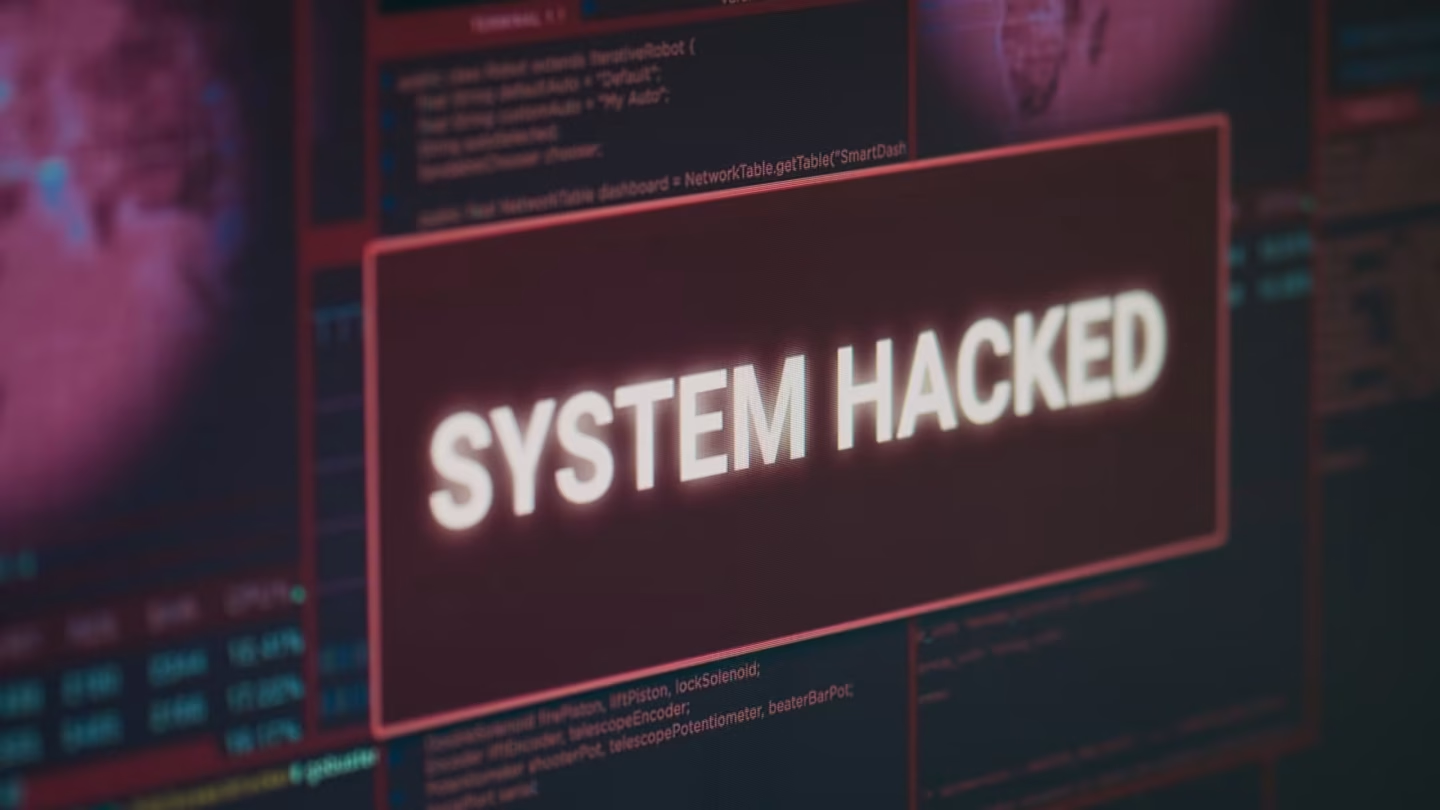
Your web shop is running like clockwork, customers buy without effort and everything seems fine. Until, BAM, your site gets hacked. Panic? Understandable. But the real challenge only starts now. How do you recover, and more importantly, how do you stop it happening again.
This article walks you step by step through removing malware and strengthening your website security. Prevention is better than cure, and that is just as true online as it is in real life.
- The dangers of not cleaning up after a hack
- Key security measures for your website
- How malware can infect your website
- Checking for malware in WordPress regularly
- Conclusion
The dangers of not cleaning up after a hack
Your first instinct? Quickly change your password and hope the problem is solved. But malware is sneakier than that. Without a thorough clean-up, the malicious code stays hidden somewhere in your website, ready to strike again. Hackers are smart: they often leave backdoors that let them get back in at any moment. Perhaps your website suddenly slows down, or worse, perhaps customers notice that their data is being misused. And then? Then you are the one responsible.
A hacked website does not just damage your revenue, it damages your reputation too. Google warns visitors that your site is unsafe, your SEO ranking plummets and you lose your customers’ trust. And as if that were not enough, you can even run into legal trouble if customer data ends up out in the open. So a sloppy clean-up is not an option. You need to tackle this thoroughly.
But the risk is even bigger: if you do not clean up properly, your website stays vulnerable to future attacks. Hackers keep looking for new ways in, and once your website is on their radar, they will not simply leave you alone. Compare it to a house with the door left open. Once a burglar knows how easy it is to get in, he will keep coming back, until you take real action.
How to protect your website against new attacks
To avoid going through this digital hell a second time, you need to arm your website against hackers. It all starts with a reliable hosting provider. Think of your hosting as the foundation of your house: if it is not solid, it does not matter how good the rest of your security is. A hosting company that proactively applies security updates and monitors your website for suspicious activity is a must.
An SSL certificate is a must too. It encrypts the communication between your website and your visitors, so hackers cannot simply intercept sensitive data. But even with the best security measures, the danger remains if you do not keep your software up to date. Outdated plugins and themes are the hackers’ favourite way in. They actively hunt for vulnerabilities in old software and exploit them to break in.
Strong passwords and two-factor authentication (2FA) make it a lot harder for hackers to gain access to your website. It may sound obvious, but many hacks still happen because of weak, reused passwords. You do not want your entire web shop at stake because of something as simple as ‘Welkom123’.
And then there is something that is often overlooked: backups. Regular backups of your website can make the difference between a disaster and a quick fix. If something goes wrong, you can go back to a clean version of your site in a few clicks. This is not an unnecessary luxury, but a vital lifeline.
How malware gets into your website
But how does malware get in at all? It often starts with a small mistake: a forgotten update, an insecure plugin or a weak password. Hackers use bots that comb the internet looking for vulnerable websites. As soon as they find a way in, they inject malicious code that works its way deep into your system.
Sometimes it happens without you noticing. You visit an infected website, accidentally download an infected file, or receive an email with a malicious link. One wrong click and the malware is in. From there it can do all kinds of damage: from redirecting your visitors to dubious websites to stealing customer data.
And the danger does not stop at one attack. Once your website has been infected, there is a good chance it will be attacked again. Hackers know that many business owners do not take their security seriously after a first hack. So they keep trying, hoping to find a way in again.
Checking for malware in WordPress regularly
If you work with WordPress, luckily you have plenty of tools at your disposal to detect and remove malware. One of the most powerful security plugins is Wordfence, which scans your website for suspicious code and blocks break-in attempts. On top of that, Google Search Console sends notifications when suspicious activity takes place on your website. That helps you step in quickly before the damage gets too big.
And what if you want extra certainty? Then you can have your website scanned by external tools such as Sucuri. This service checks whether there are malicious files or suspicious links on your website. A sudden drop in visitor numbers can also be a warning sign. Hackers sometimes use your website to spread spam, which Google punishes with a lower ranking.
It is smart to do a manual check in your WordPress dashboard regularly. Do you see strange user accounts? New plugins you did not install yourself? These can be signs that your website has already been infected.
Conclusion
A hacked website is a disaster, but the real damage only happens if you do not take it seriously. Malware keeps lurking if you do not clean up thoroughly, and hackers will keep bombarding you if you do not strengthen your security.
By taking a few smart measures (such as reliable hosting, an SSL certificate, regular updates and strong passwords), you drastically reduce the risk of an attack. Do not forget to make regular backups and scan your website for malware.
Want to be really sure your website is secure? Then professional maintenance is a smart move. With the right approach, hackers will not stand a chance.
Do not wait until it is too late: secure your website today!

Melle Sikma
Helmsman
melle@brandmonks.nl