

From product feed to a sales-ready Kaufland listing
Kaufland listing optimisation is about more than filling a product feed. You make product data, images and copy so complete and clear that the platform can place your product properly, and the customer quickly understands why your product is the right choice.
For e-commerce business owners, the gain usually does not lie in yet another standalone copy edit. The real gain lies in a better workflow: product information that is correct, fixed image roles, clear attributes, consistent variant logic and a quality check before a listing goes live. Especially when you already sell through Bol or Amazon and are adding Kaufland as an extra marketplace, you do not want to reinvent every product page by hand.
At BrandMonks we therefore see Kaufland listings as the output of your content process. Which product data do you need? Which images need to remove doubt? Which fields determine whether your listing feels complete? And how do you make sure new SKUs can go live faster without brand look, content quality and channel requirements drifting apart?
In this guide we focus entirely on Kaufland listing optimisation. Want to see the broader framework for Bol, Amazon and Kaufland together first? Then read our guide on product content for marketplaces.
Why Kaufland listings need more than an extra channel feed
A product feed is useful for moving information around, but a feed does not automatically make your product ready to sell. Kaufland works with product data, categories, attributes, product descriptions, images and offer data. If those layers do not connect logically, your listing can be technically present but commercially weak.
You notice that difference especially with larger ranges. A few individual listings you can still correct by hand. But as soon as you bring dozens or hundreds of products to Kaufland, small inconsistencies suddenly become a structural problem. Titles are built differently, image sets lack fixed roles, variants are not neatly grouped, attributes are filled in differently per product and product descriptions feel as if they come from different teams.
That is why good Kaufland optimisation does not start with the question: how do we get this product live? The better question is: which product information, images and copy blocks need to be ready before this product can go to Kaufland? That shift makes your workflow calmer. You do not optimise every listing separately afterwards, but build a foundation that lets new products move through the process faster and more consistently.
Kaufland is a little different from Bol or Amazon in this respect. On Amazon there is often a lot of emphasis on bullets, indexing and A+ content. With Bol listing optimisation you look closely at category context, title structure, images and comparability within the Dutch market. With Kaufland the first pressure is often on complete, correct and usable product data: the right category, good attributes, a clear title, strong images and a product description that is international enough to translate or reuse.
Product data: the foundation of Kaufland listing optimisation
Kaufland listings stand or fall with product data. By that we do not just mean the raw specifications from your web shop or PIM, but all the information the platform and the customer need to understand the product correctly.
The foundation usually consists of product title, brand, EAN or GTIN, category, description, short description, images, technical properties, dimensions, material, colour, variants and relevant category attributes. This can differ per product group, but the principle stays the same: the more complete and consistent your data, the less friction in publication, findability and customer understanding.
A common mistake is that teams see product data as admin work. In reality it is commercial work. An unclear size, missing material or wrongly chosen category can directly affect findability, filters, expectations and the chance of returns. If the customer is not sure what they are buying, doubt creeps in. If Kaufland cannot classify the product properly, you get extra publication friction.
So work with a product data check before you start writing or designing. Check per product type which fields must always be filled in, which fields matter per category and which information needs to come back in visual content. A dimension, for example, should not just sit in a table if size confusion is a reason for returns. Then it needs to be visible in an image or infographic too.
Title
A good Kaufland product title is clear, not inflated. Put product type, brand, the main distinguishing feature and relevant variant information in a logical order. Avoid keyword stuffing, excessive symbols and marketing claims that add nothing. The title needs to be findable, but above all it needs to be instantly understandable.
Category and attributes
The category determines which fields, filters and comparison context become important. So attributes are not a side issue. They help the platform and the customer compare products. For ranges with many variants it is wise to define attributes centrally, so that colour, size, material and version are not filled in differently per batch.
Short description and product description
The short description needs to make clear quickly what the product is and why it is relevant. The longer description gives context: use, benefits, material, contents of the packaging, compatibility and limitations. Those limitations in particular matter. Good product content does not just sell, it also prevents the wrong expectations.
Images and rich content: building trust in seconds
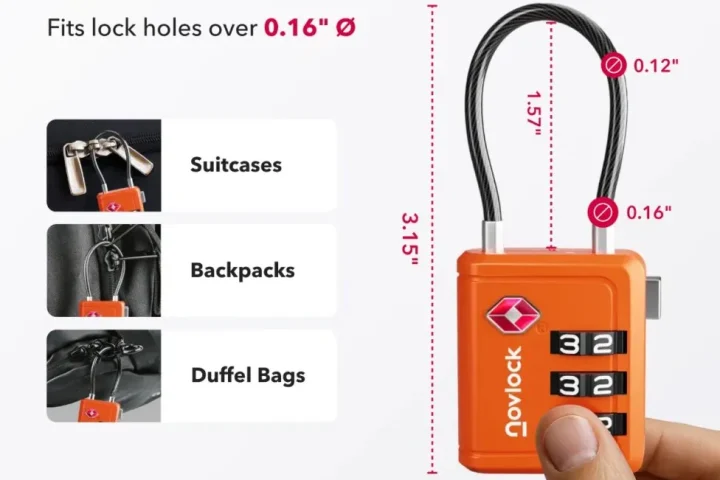
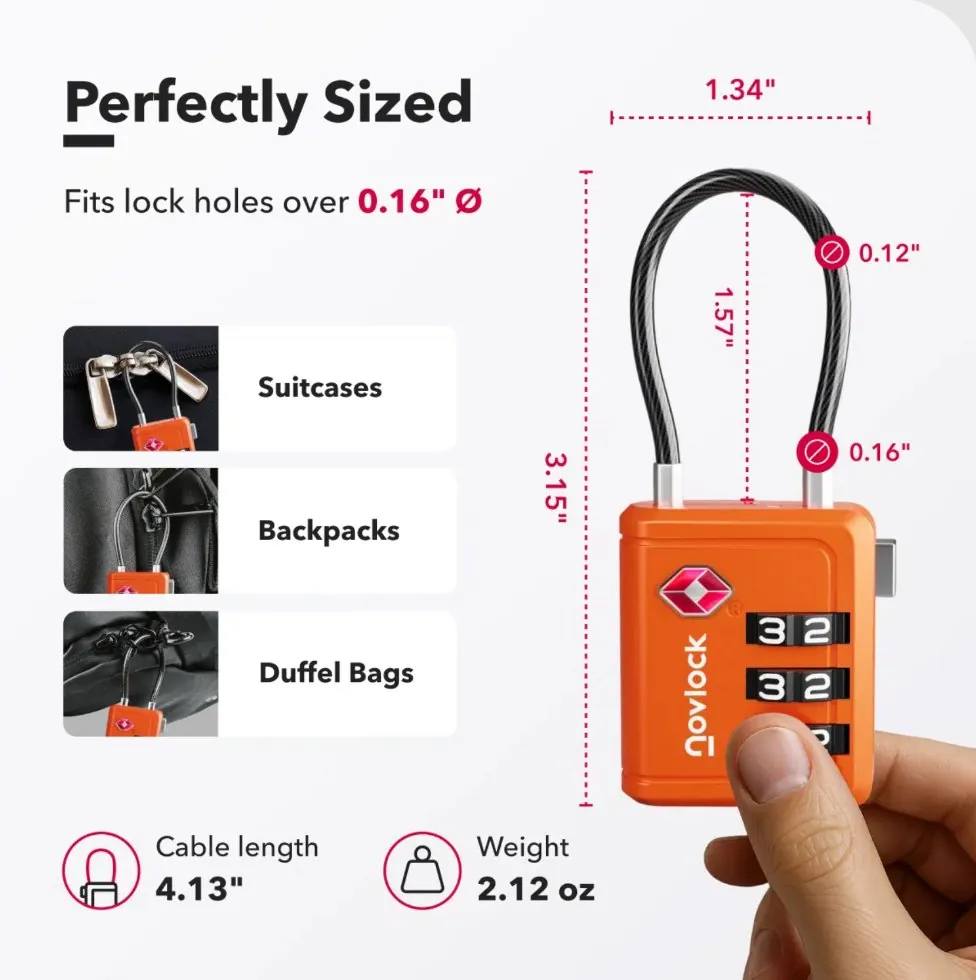
Kaufland listing images need to do more than show the product. They need to answer questions. How big is the product? What do you use it for? What comes with it? Which variant am I looking at? What makes this product different from the alternative next to it?
Many listings lose quality here unnecessarily. The main image is reasonable, but the rest of the image set is random. Or there are beautiful lifestyle images, but no clear information images. Or every product in a range has a slightly different visual style, which makes the brand feel restless.
That is why at BrandMonks we often work with fixed image roles. Not every SKU needs exactly the same images, but the structure needs to be recognisable. A practical set can consist of:
- main image that makes the product instantly clear;
- detail image for material, finish or function;
- in-use image that gives context;
- size or scale image to manage expectations;
- infographic for the main benefits or specifications;
- variant image when colour, size or version matters.
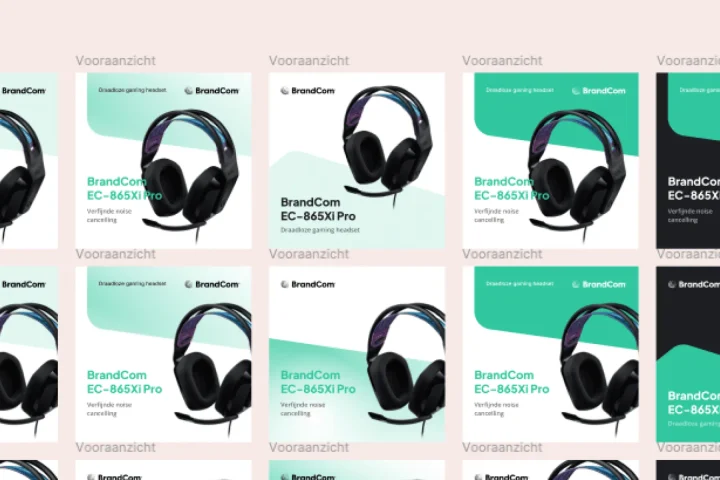
This ties in with how we use listing design templates: not as a pretty one-off design, but as a repeatable structure for product ranges. A template makes sure designers, copywriters and e-commerce managers follow the same logic. As a result, every new Kaufland batch means less discussion about order, style and content.
Rich content can be extra valuable when a product needs explaining. Think of modular content with images, copy blocks, use, comparison or frequently asked questions. But here too: rich content is not decoration. It needs to lower buying friction. If the basic images and product data are still messy, rich content is usually not the first step.
Keeping variants and product ranges consistent
Kaufland listing optimisation only really becomes important when you have multiple variants or product ranges. Improving a single listing is manageable. Making a whole series consistent requires clear rules.
With variants you want to avoid the customer having to puzzle things out. Colour, size, contents, bundle, material or version need to be recognisable and comparable. That starts in the product data, but carries through into the title, image, description and variant name. If the variant logic is written slightly differently in each part, the product family feels messy.
A good workflow therefore defines in advance how variants are named. Do you put colour first or size first? Do you state contents in millilitres, litres or units? Does every variant get the same image order? Which claims apply to the whole range and which only to specific versions?
These choices seem small, but they determine how quickly you can scale. Without fixed rules, someone has to interpret every listing afresh. With fixed rules you can prepare data, copy and visuals much better. That is exactly what making product content scalable is about: not producing harder, but making the system behind production smarter.
Common mistakes in Kaufland listing optimisation
Most problems with Kaufland listings do not arise because a team does nothing. They arise because optimisation is tackled too late, too piecemeal or too technically.
Mistake 1: only looking at publication
If the focus is only on going live, content quality and brand consistency often get fixed later. That takes more time than doing a good content check up front.
Mistake 2: copying product data without adapting it to the channel
Web shop copy is not automatically marketplace content. A web shop can build context with navigation, landing pages and brand pages. A marketplace listing has to convince on its own, and faster.
Mistake 3: treating images as an afterthought
Images are often the first thing a customer judges. If images give no information, the copy has to do too much. Especially with products where size, use or material differences matter, that works against you.
Mistake 4: filling in attributes inconsistently
Inconsistent attributes make comparing harder and create more rework internally. So define attribute rules per category or product type.
Mistake 5: optimising without a feedback loop
Improving a listing without learning from rejections, return reasons, customer questions and performance has limited value. The best Kaufland workflows use feedback to keep sharpening templates, data rules and image roles.
Kaufland listing audit: what do you look at first?
A listing audit helps you quickly identify where the biggest leaks are. Keep the audit practical. The goal is not a thick report, but a clear priority list for improvement.
| Element | What to look for | Why it matters |
|---|---|---|
| Title | Product type, brand, variant and main feature are in a logical order | Helps findability and quick product understanding |
| Category | Product sits in the most suitable category with the right attribute set | Affects filters, comparability and data quality |
| Attributes | Mandatory and relevant optional fields are complete and consistently filled in | Reduces publication friction and makes comparing easier |
| Images | Main image, detail, use, size and benefit are recognisably worked out | Builds trust before the customer reads in depth |
| Description | Benefits, specifications, use and limitations are clearly described | Reduces doubt, mismatch and the chance of returns |
| Variants | Names, images, properties and order follow the same logic | Makes product ranges scalable and clear |
| Brand coherence | Image style, tone of voice and claims feel recognisable across listings | Makes sure growth does not come at the expense of brand look |
How BrandMonks makes Kaufland listings scalable
For BrandMonks, Kaufland listing optimisation is mainly a content and workflow question. We help e-commerce business owners translate product data into consistent marketplace output. That sits between strategy, design and execution.
In practice it often starts with a content structure per product group. Which information is always needed? Which claims can be reused? Which image roles are mandatory? Which parts differ per marketplace? Then we translate that structure into templates, Figma components, copy blocks and quality checks.
The goal is not to make every product the same. The goal is to put every listing through the same quality bar. A technical accessory needs different content from a lifestyle product, but both benefit from fixed choices for title, attributes, image order and checks.
This is also where automation really starts to add value. Without a fixed structure, you mostly just automate mess faster. With fixed rules, you can use product data to produce first versions of listings, image briefs, copy blocks and checks more quickly. The team then keeps steering on quality, while repeatable work takes less time.
For Amazon that works differently from Kaufland. In our guide on Amazon listing optimisation the emphasis is more on bullets, indexing, A+ content and conversion logic. For Kaufland the foundation lies more in data quality, category and attribute discipline and consistent product presentation.
When automation helps with Kaufland listing optimisation
Automation mainly helps when you already know what good output looks like. Think of automatically filling in first draft titles, flagging missing attributes, preparing image briefs, creating variant overviews or checking whether a listing contains all the fixed elements.
But automation is no replacement for positioning, visual choices or quality control. A tool can recognise that a field is empty, but cannot always judge whether the image is convincing enough. An AI workflow can draft a description, but someone still has to check that the claim is correct, the tone of voice fits and the customer does not get the wrong expectation.
The best approach is therefore hybrid. Use automation for repetition, checking and preparation. Use human judgement for brand, priority, product understanding and visual sharpness. That way speed does not come at the expense of quality.
For teams managing lots of SKUs, this can make a big difference. Not because every step becomes fully automatic, but because less time disappears into rethinking the same choices. You create a system in which product data, templates, visuals and copy reinforce each other.
Conclusion: optimise your Kaufland listing as part of your content workflow
Kaufland listing optimisation starts with complete product data, but does not end there. A strong listing combines correct information with clear images, consistent variant logic, good descriptions and a recognisable brand style.
If you treat Kaufland as a separate extra channel, the work quickly grows into manual rework. Treat it as part of your marketplace content workflow and you can scale much more smartly. You decide in advance which data is needed, which images need to come back, how variants are built and when a listing is good enough to go live.
That is exactly the role in which BrandMonks helps e-commerce business owners: not just creating product content, but setting it up to scale. With templates, Figma workflows, visual content, copy and quality control, we make sure marketplaces do not stay a series of one-off content jobs, but become a repeatable system.
Want to sharpen up your Kaufland listings or your wider marketplace content workflow? Then book an intake call with BrandMonks.

Melle Sikma
Helmsman
melle@brandmonks.nl